
Your first CinchBucks session, step by step
Make your first visit about understanding the process. Set up your account, inspect one activity carefully and learn where its result will appear.
Make an informed start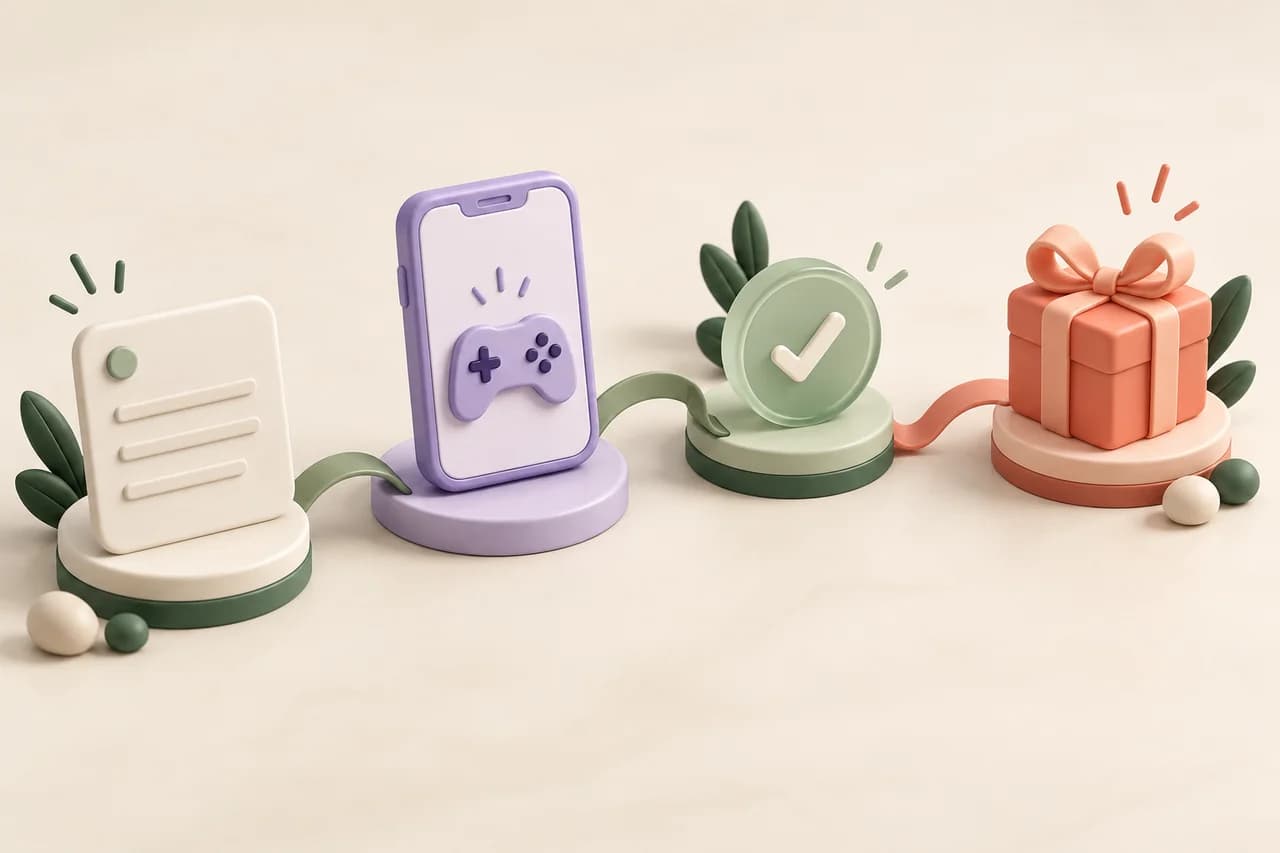
What should your first session achieve?
| Starting point | Useful next step | A reasonable stopping point |
|---|---|---|
| New account | Complete registration and review your profile | You can find your account history |
| Survey invitation | Check fit, duration and required device | You understand screening and completion |
| Game offer | Read the installation and milestone rules | You can identify a suitable first milestone |
| Confirmed balance | Review the available catalog | You understand one reward’s actual requirements |
Create an account you can keep using
CinchBucks is for adults aged 18 and over. Start from the official signup page, use your own accurate details and choose an email address you can access for verification and recovery. Follow the registration steps displayed to you; do not create extra accounts to repeat a promotion.
Account creation is free. An individual partner activity can still involve a purchase or subscription, so treat its commitment separately from joining CinchBucks. There is no universal signup payment announced by this guide.
Complete the profile before chasing an invitation
Review the profile details requested in your account. Researchers often need particular audiences, so truthful information is more useful than trying to guess an answer that will qualify. Update a detail when your circumstances change, rather than changing it for a particular study.
If an activity list is empty, return another time or explore a different available category. Inventory depends on your account, region and partner demand. A blank list is not an instruction to change your country or use another person’s details.
Choose one activity you understand completely
For a survey, read the estimated duration, reward and device requirements, then leave enough uninterrupted time for screening and the questionnaire. For a game or app offer, inspect the prior-install restriction, every milestone, the deadline and any required spending before you install.
Prefer a first activity whose instructions you can explain in one sentence. For example: “Reach the specified account level on the supported device within the stated deadline.” If you cannot identify the exact completion event, choose another activity or seek clarification first.
Keep a private activity note
Record the activity name, provider, start time with time zone and required completion event. Keep the original terms if the provider permits it. Use the designated activity route and device; a fresh installation from a store search may not belong to the campaign you selected.
Do not save survey answers, identity documents or account secrets in a general activity log. For a game, permitted progress evidence should show the relevant milestone without exposing unrelated personal information.
Check confirmation before planning a reward
After completing the action, review the partner status where available and your CinchBucks history. Pending progress and confirmed CB are different. Use the review period stated for that specific activity; this walkthrough does not promise immediate credit.
If the expected confirmation is missing after the stated period, open one focused support request. Include the provider reference, the event completed and the date. Keep follow-up details in the same conversation instead of restarting the offer.
Find a reward you can actually use
Open Dashboard → Rewards for the live catalog. Check the exact product, country, currency, denomination and CB requirement. The separate Redeem page is for Cinch Codes, so it is not the place to browse gift-card products.
When you are ready, review the secure request form and follow the resulting status. If a preferred product is absent, choose another available option or wait; a reward idea on a marketing page does not reserve that product for your account.
A first visit with no rushed installation
Illustrative session: you create your account, review a game offer and discover that it is for new users only. You remember installing that game before, so you leave it and inspect a survey invitation instead. Even if you finish the visit without confirmed CB, you have avoided an ineligible attempt and learned where to find better-fitting activities.
A question worth answering.
What if I cannot find an activity on my first visit?
Availability can be limited or empty for your account. Check that your profile is accurate and revisit the activity area later. Do not falsify details or create another account to change eligibility.
Should I install several games before deciding?
Read the offers first. An installation can affect new-user eligibility, and several simultaneous deadlines may be difficult to manage. Choose deliberately before starting the original offer route.
Before you start.
Use one accurate adult account and an accessible email.
Read the complete activity terms before starting.
Locate account history and Dashboard → Rewards.
Sources and useful next steps
Published by CinchBucks. External product descriptions reflect the linked official materials checked on 23 October 2026; they are not firsthand earning tests or endorsements. Current provider terms govern participation.
Keep exploring at your pace.
Use the current activity terms and your live reward catalog to make your own decision.
CinchBucks is for adults aged 18+. Activities and rewards vary by account and region.