Work and skills6 min read
Gaming rewards to PayPal: check the entire route
Trace an eligible game milestone through confirmation and an available PayPal reward, including recipient and denomination checks.
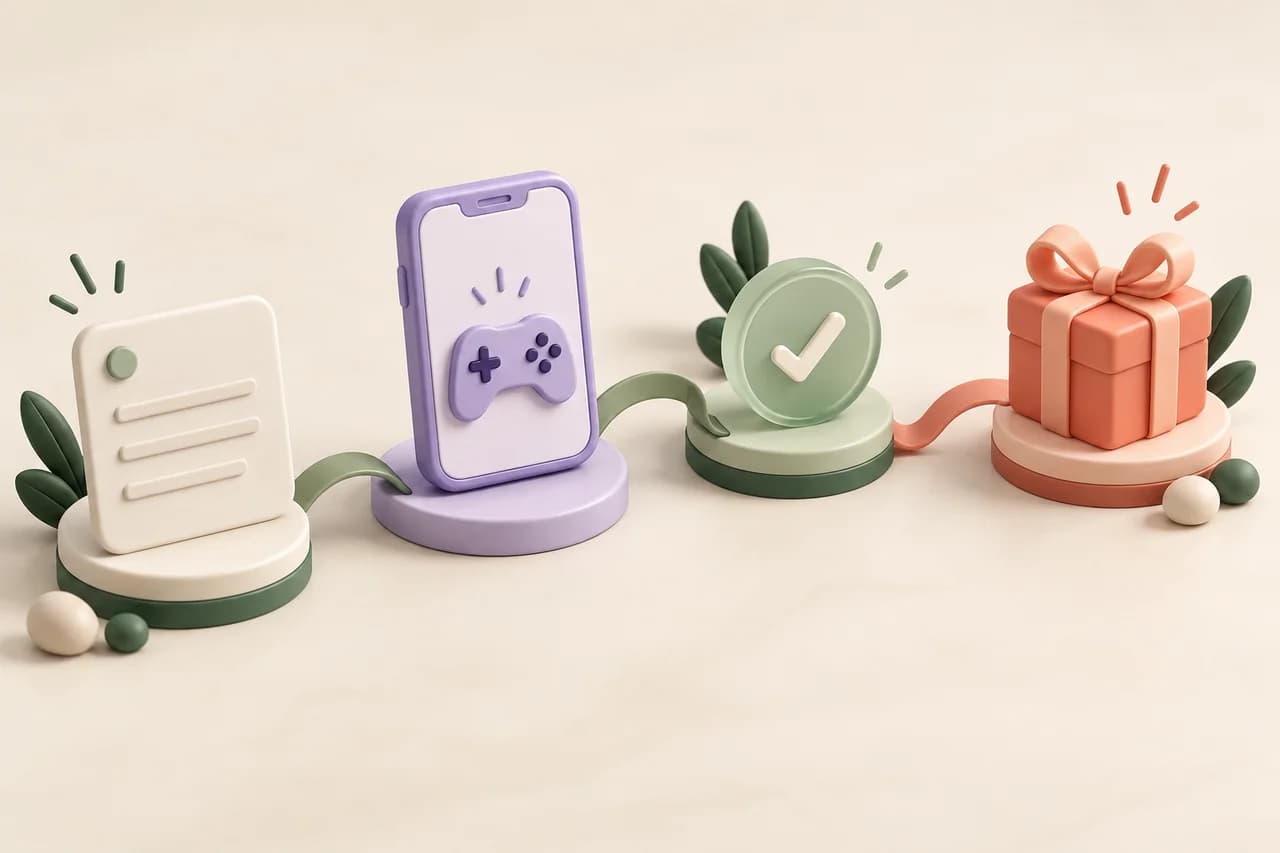
Wanting PayPal as your reward method changes how you choose a game offer. Verify the payout route first, then inspect the activity that could fund it.
Four checkpoints between play and PayPal
| Checkpoint | Evidence to inspect | Common confusion |
|---|---|---|
| Catalog | An available PayPal product for your account | A public brand mention is not inventory |
| Game | Eligible installation and literal milestone | Ordinary play is not necessarily rewarded |
| Credit | Confirmed CB in transaction history | Pending progress is not available balance |
| Request | Recipient, denomination and request status | Submission is not fulfillment |
Start at the reward catalog, not the game banner
Check whether a PayPal product is actually available in your own account, then inspect its country, currency, denomination and required CB. A gaming app being described as “PayPal compatible” elsewhere does not establish what your CinchBucks account can request.
If the method is absent or its requirements do not fit you, do not commit to a long game on the assumption that access will change. Choose a different available reward or reconsider the activity.
Make sure the game attempt can qualify
Before installation, read the campaign’s new-user rules, supported device, milestone labels and deadlines. Review paid and no-purchase stages separately. The desired payout method cannot make an ineligible installation qualify.
Keep the original offer route and provider reference. Do not open the same game across several platforms to chase a different total; earlier participation can affect later eligibility.
Build the goal from confirmed credit
A displayed game total can include multiple stages you never intend to complete. Pending progress is not an available reward balance. Plan against the confirmed CB in your account and the actual CB cost of the PayPal product you can request.
Keep any required purchases in your comparison. Do not invent a CB-to-currency conversion from a marketing example or compare a gross campaign headline with a net reward amount.
Inspect the amount the recipient will receive
Read the request summary for the selected denomination, currency and disclosed fees. Check whether the amount shown represents the requested product or the delivered amount. If the distinction is unclear, ask for clarification before confirmation.
Review the exact recipient requirements in the secure flow. Never share a password or one-time code in a general support message, and do not copy someone else’s recipient details from a tutorial.
Follow the request as a separate record
Once submitted, keep its reference and review its status in your account. A confirmed game milestone is not the same as a fulfilled PayPal request. Use the processing instructions attached to the request instead of assuming that every stage is immediate.
For an error, explain whether the problem is game credit or the later reward request. Include the relevant reference so Support can examine the right part of the journey.
Compare alternatives using the same endpoint
For a fair comparison, ask what eligible play was required, how much actual time it took, which costs applied and what usable reward was delivered. Do not count pending balances as successful withdrawals.
This guide does not rank gaming apps by PayPal speed or claim matched withdrawal testing. Use official provider terms and your own account experience when deciding whether an option fits.
PUT IT INTO PRACTICE
A reward plan that begins at the end
Illustrative example: before installing a game, you inspect the available PayPal product and its CB requirement. You then find that the game headline combines several stages, including a purchase. You choose only an eligible stage you actually want to attempt and plan against its individual reward, leaving the full campaign total out of your budget.
Your next question
Is PayPal guaranteed after completing a game?
No. The activity must qualify and confirm, and a PayPal product must be available under your live account terms. Those are separate conditions.
Sources and useful next steps
Published by CinchBucks. External descriptions reflect linked official documentation checked on 23 October 2026. Comparisons do not claim firsthand earning trials or withdrawal testing.
Keep reading